The Linux platform is very simple: du -sh * – just one line of code solves the problem. What about Windows? With many disks and a desire to clean up, with numerous files, the system’s built-in Resource Manager is too slow to calculate folder sizes, making you want to give up.
Everything
For developers working on the windows platform, you probably haven’t personally used everything, and should at least have heard of it. Its search speed far exceeds that of the built-in file explorer. Given that system-level support for fast indexing exists, we can certainly find similar tools that build file indexes while also calculating file sizes.
WizTree
Website: https://www.diskanalyzer.com/ Use the standard installation method or the green version to unzip and run. It’s fast, with a wide variety of data display types – the left side features a tree diagram mode, the right side displays file types, and there’s also graphical visualization available at the bottom of the software.
SpaceSniffer (Update 2023 No Longer Maintained)
Software Website: http://www.uderzo.it/main_products/space_sniffer/
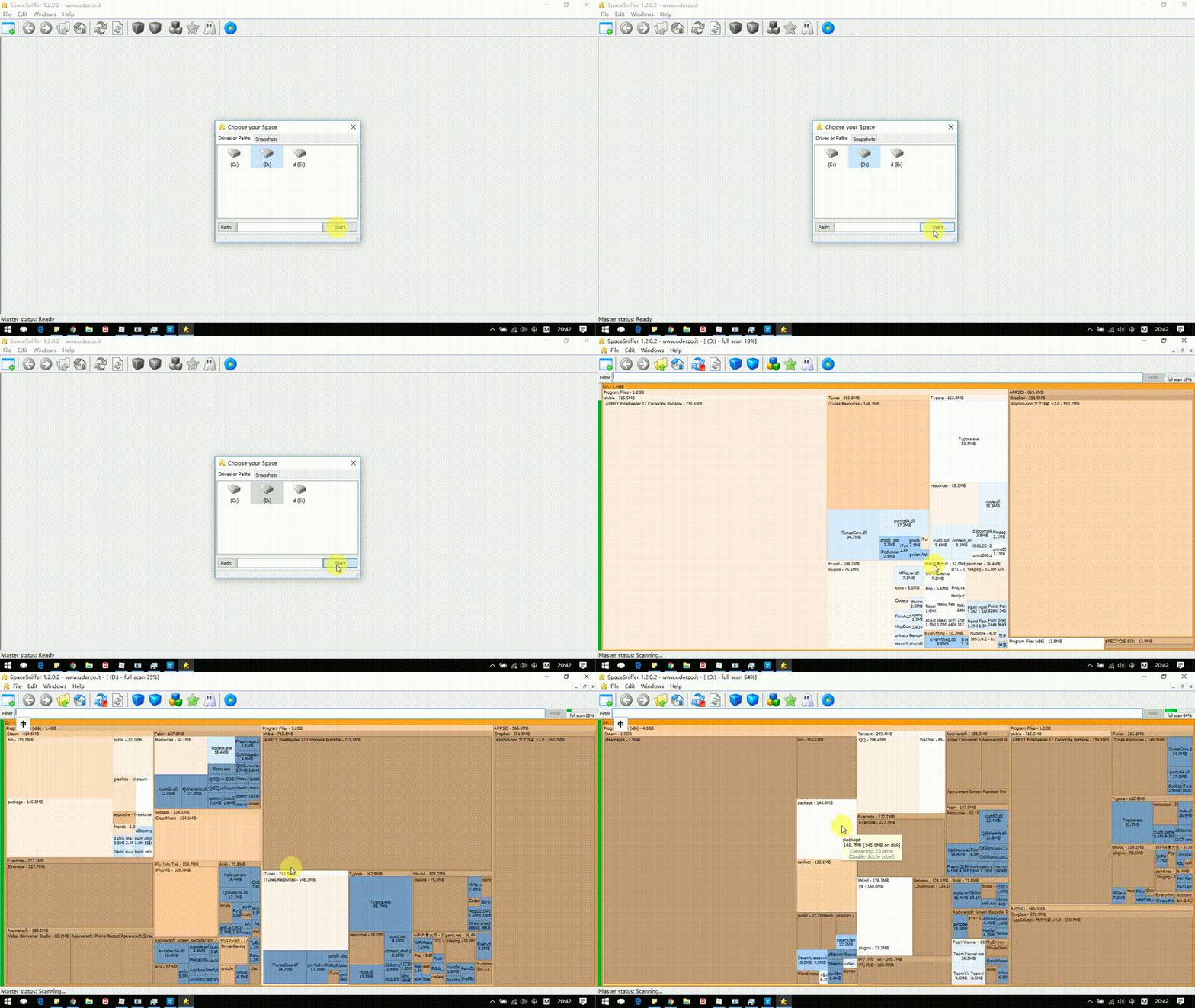
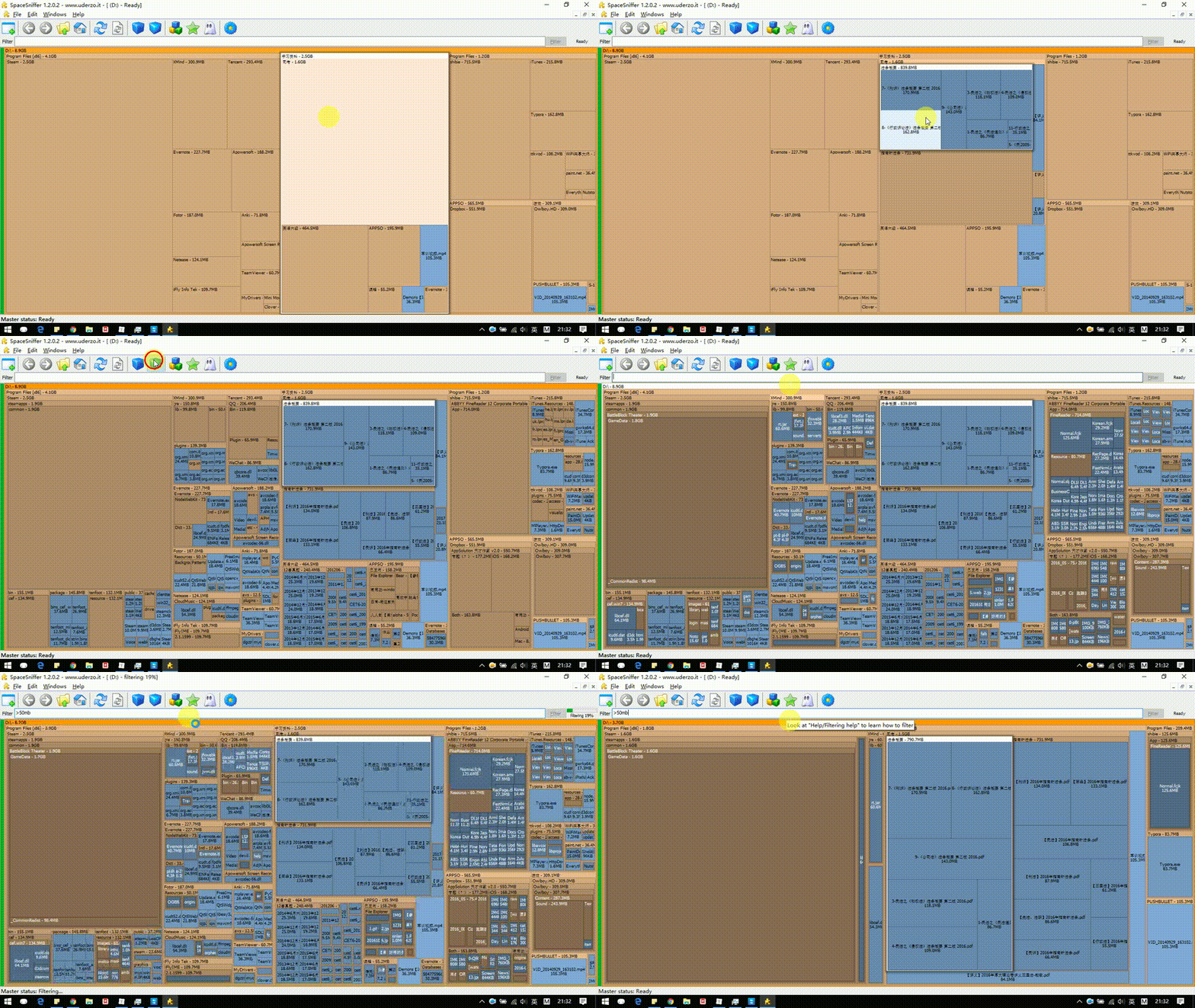
The operation is very simple – select the corresponding drive letter, and the software will display folder sizes in a graphical way, with larger volumes resulting in larger matrices in the images. Other operations are easily understood by simply clicking on them. It supports inputting filter conditions for files:
- File size filtering
- File date filtering